01 / DATABASES
Your data, in view.
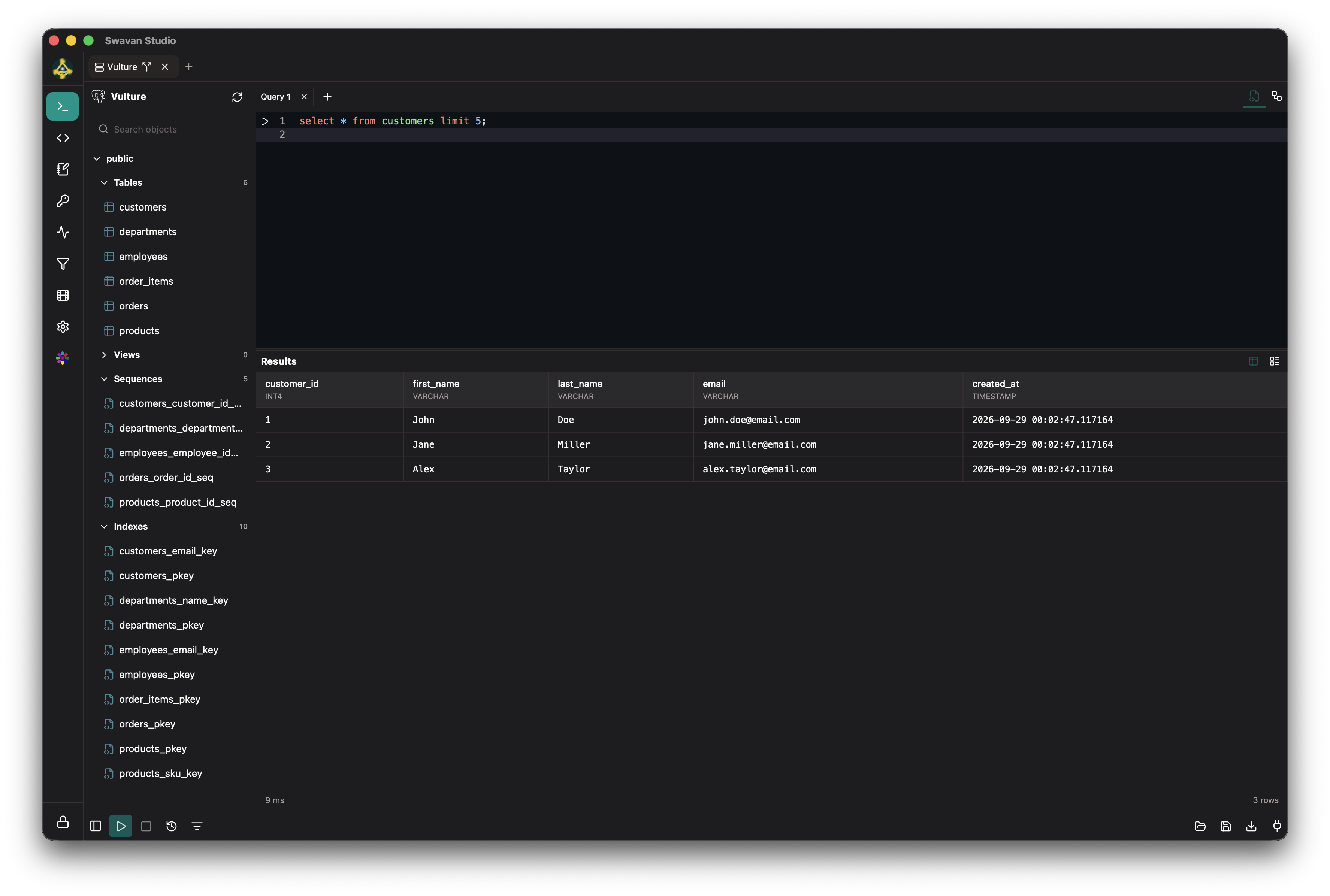
Browse tables, write SQL, and explore relationships in your database.
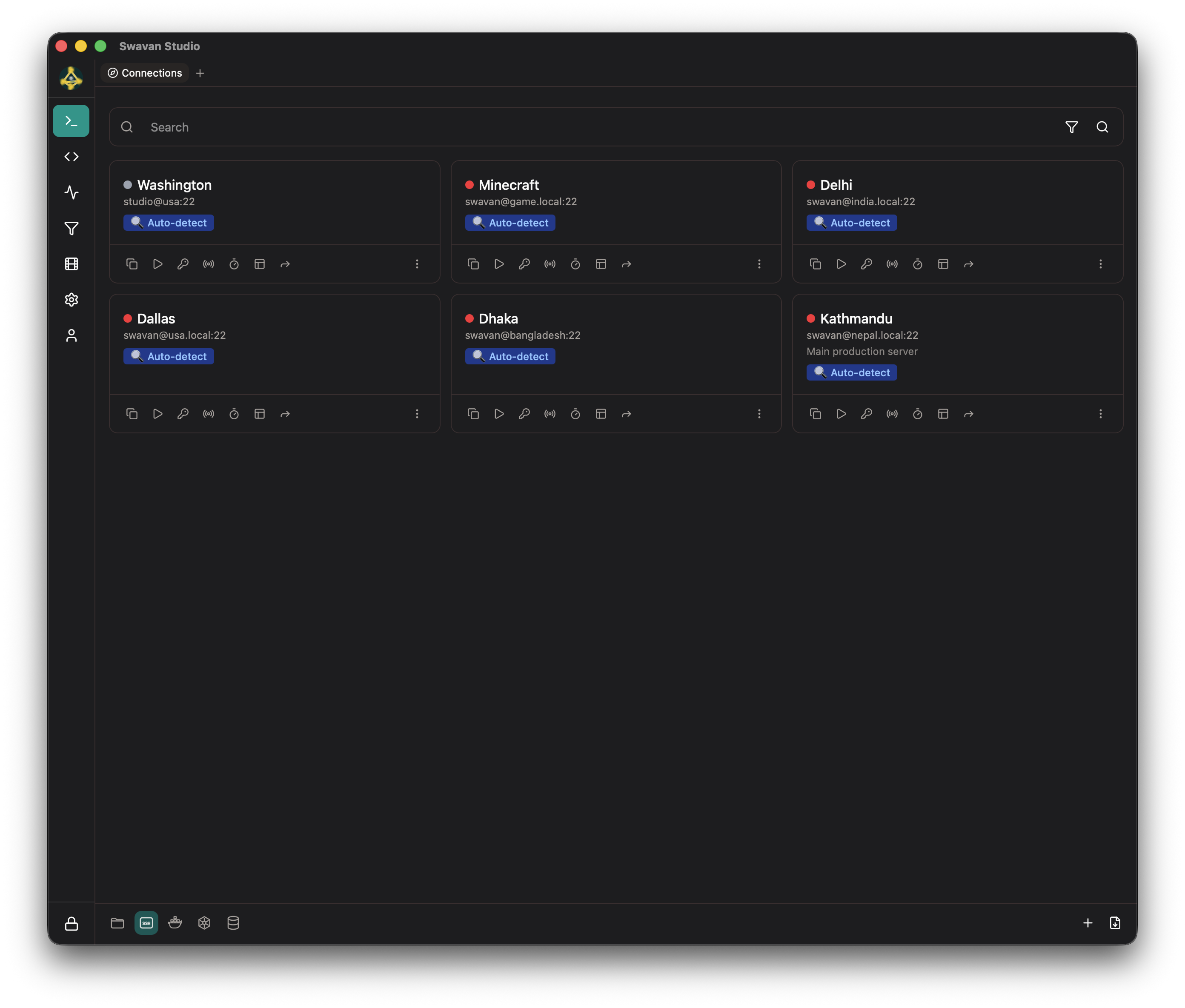
Manage SSH connections, remote desktops, databases, and server health from one desktop workspace.
curl -fsSL https://studio.swavan.io/install.sh | sh
irm https://studio.swavan.io/install.ps1 | iex
Browse tables, write SQL, and explore relationships in your database.
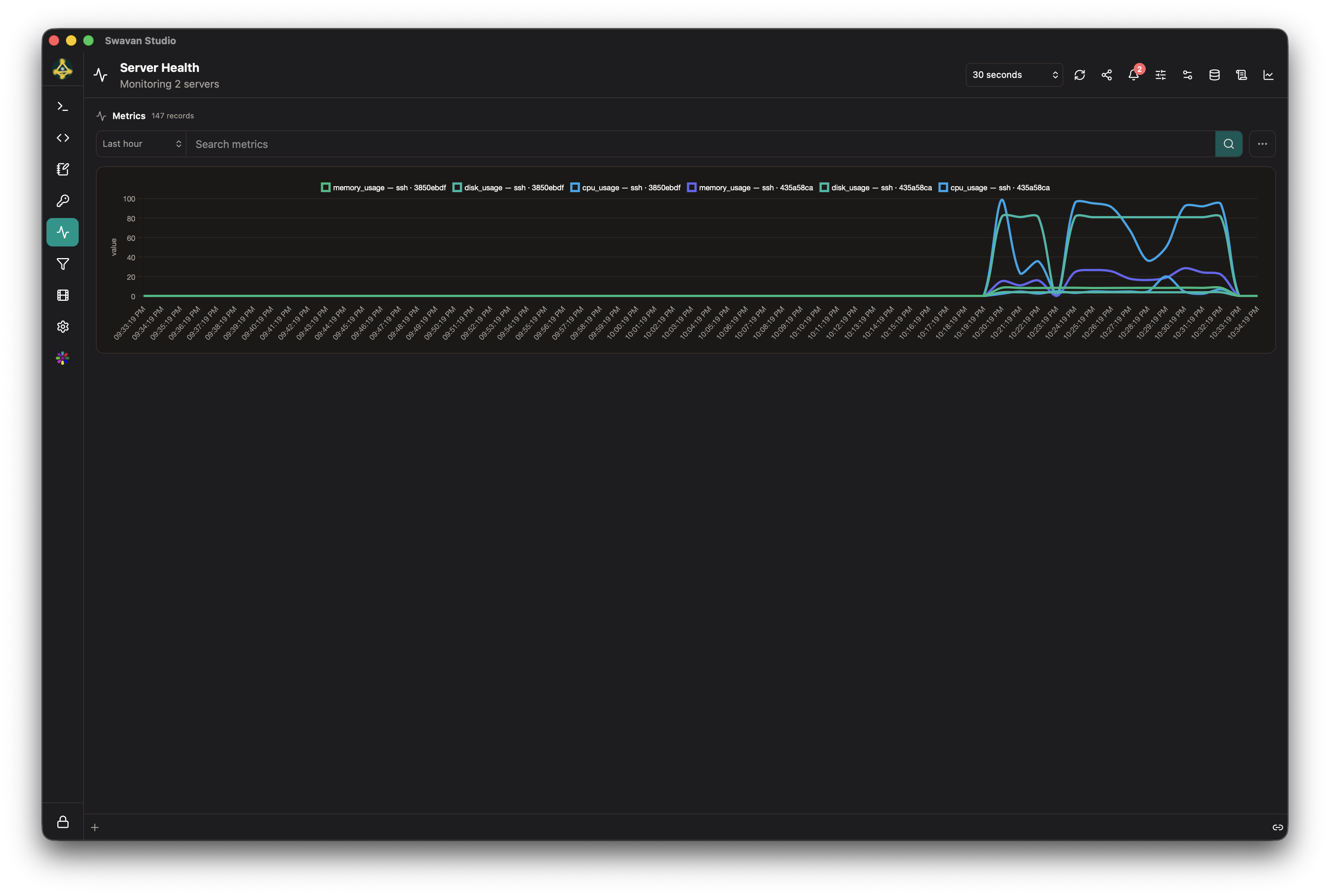
Collect logs and metrics, explore your data, and build dashboards from saved views.
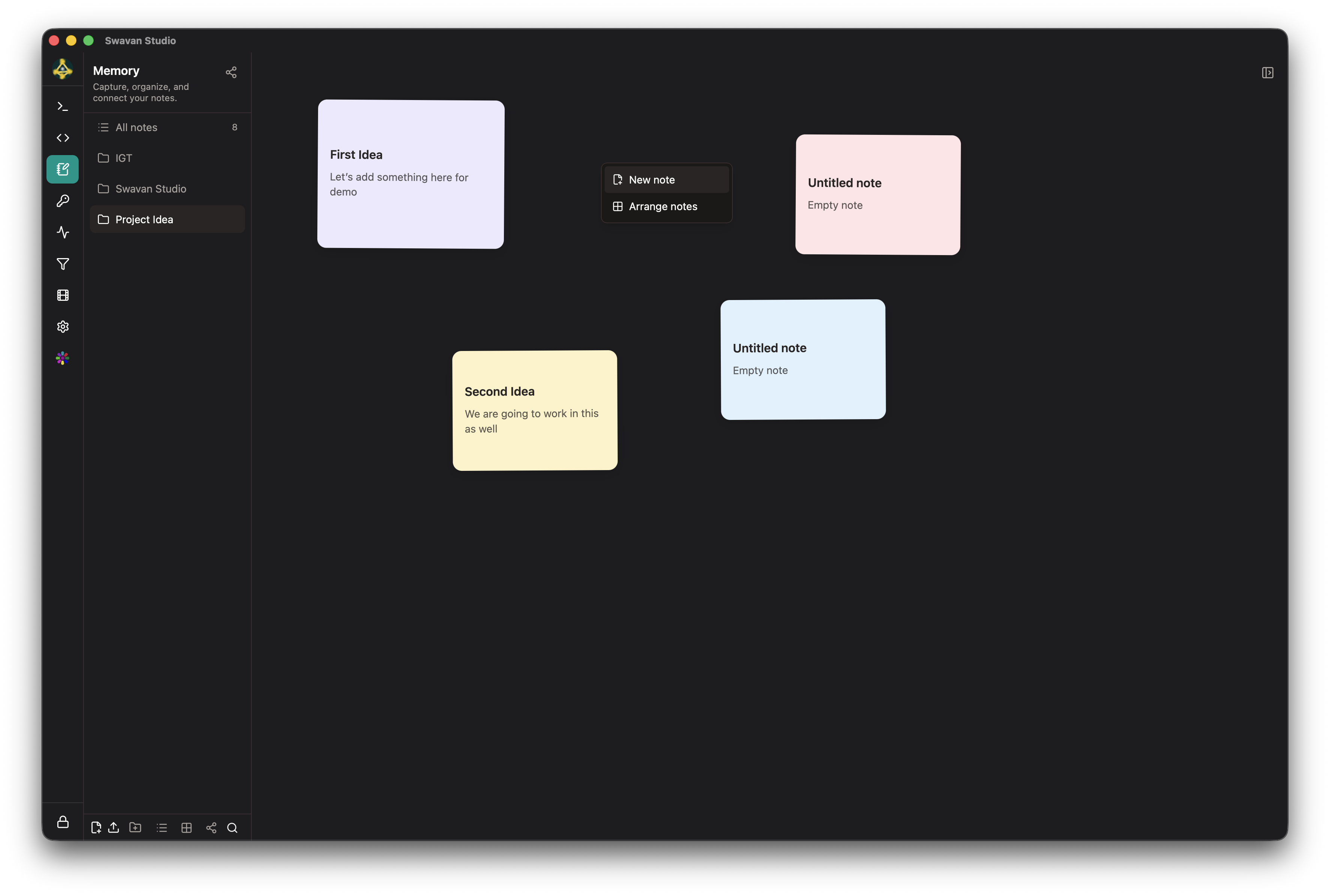
Keep project notes in a canvas, graph, list, or reader alongside your technical work.
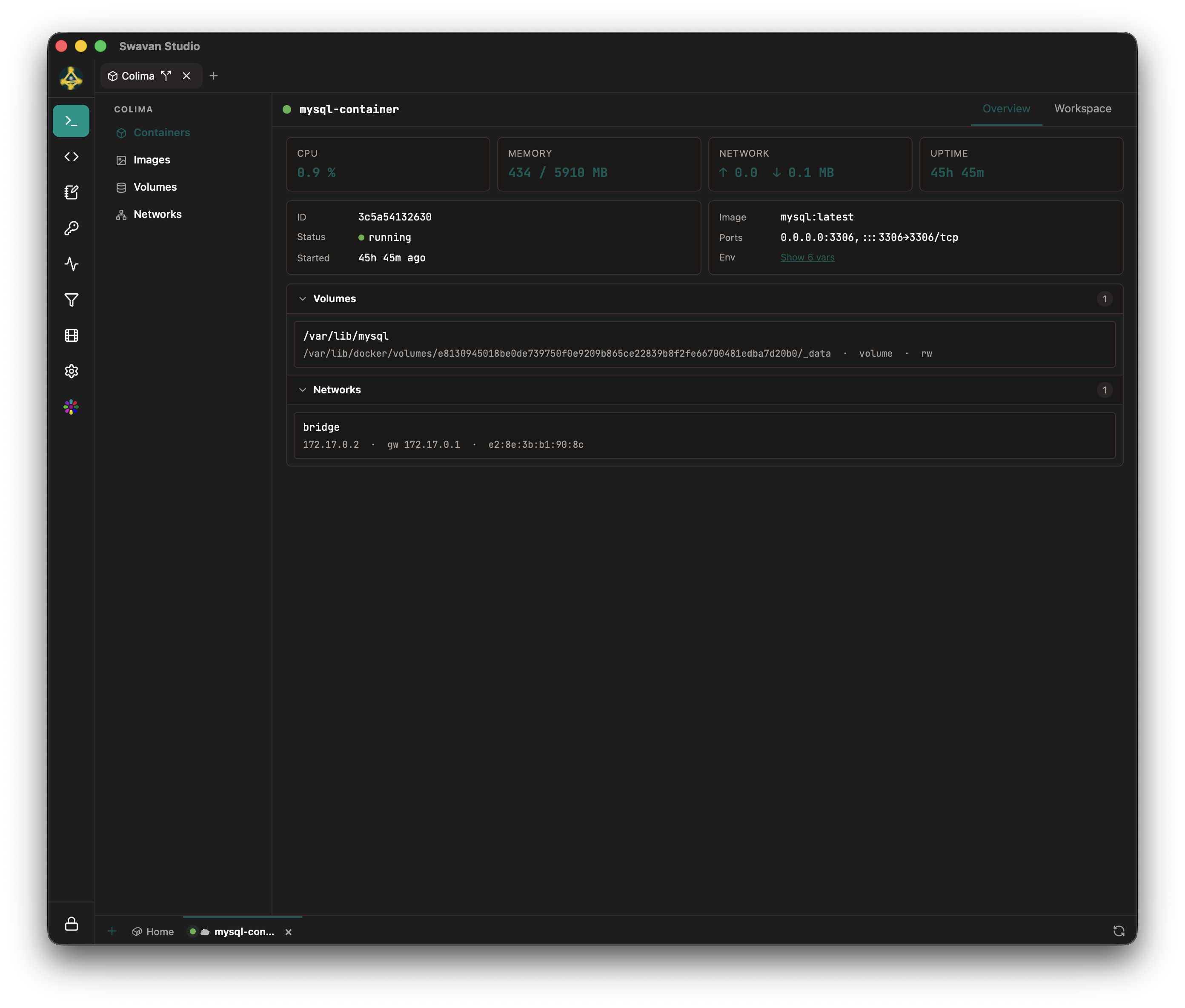
Configure SSH connections, open remote desktops, and inspect your containers in one workspace.
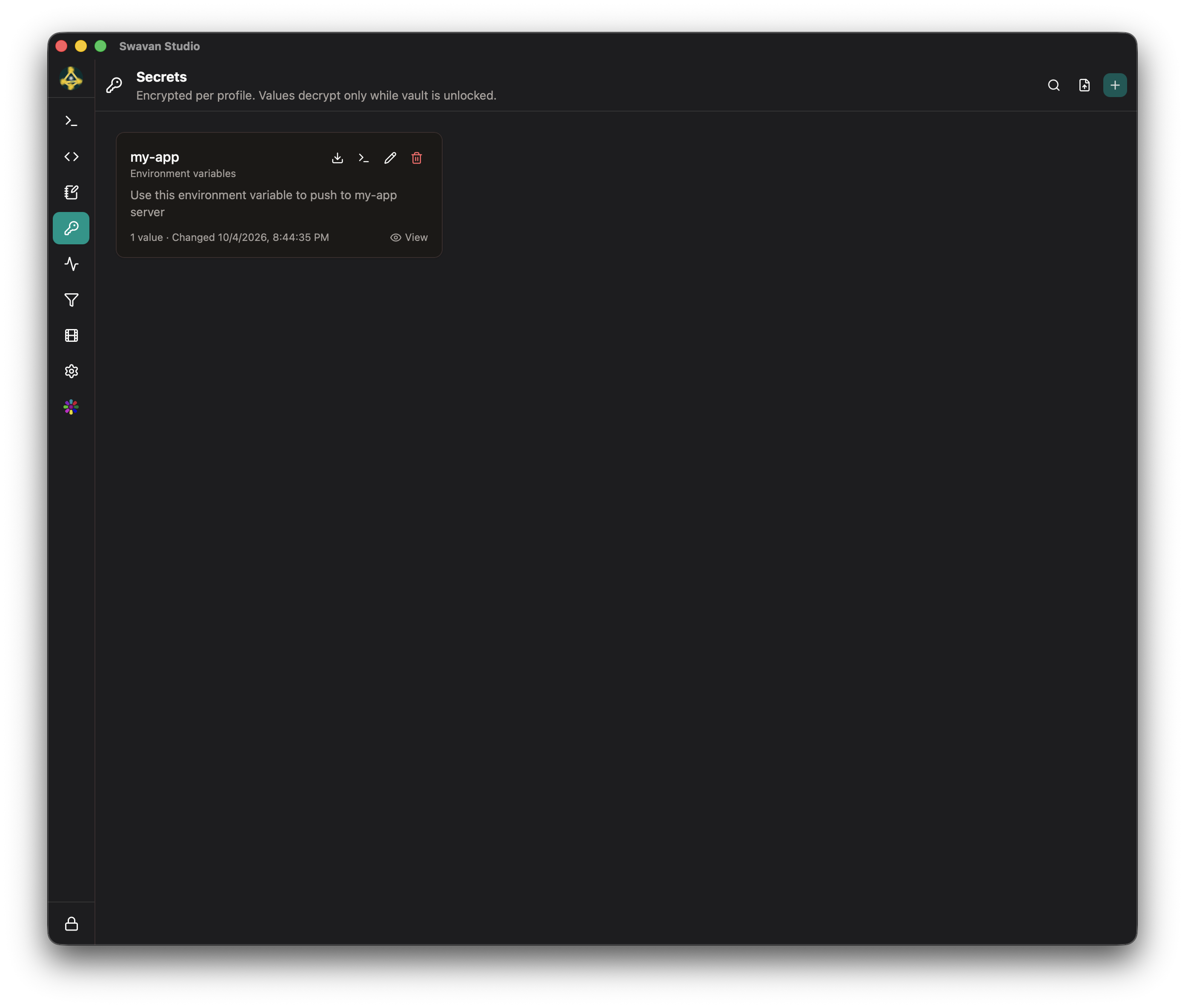
Organize environment variables and other secrets within your profile’s encrypted vault.
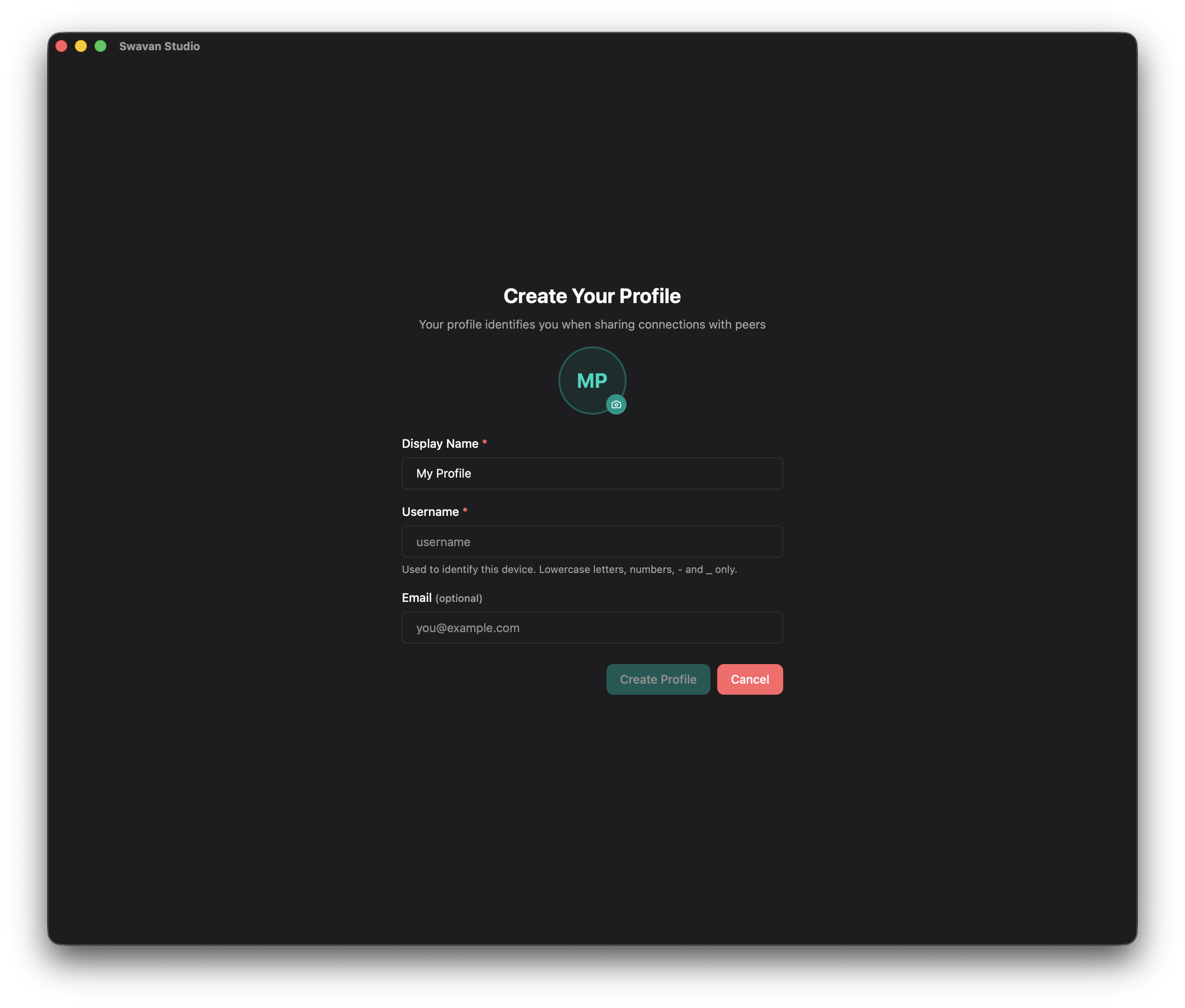
Create profiles, adjust your preferences, and choose the modules in your workspace.
SSH terminals / VNC & RDP / SFTP & file editing / Tunnels & scripts